Experience
DeepStates By Marc Zimmermann
Experiences designed to calm your mind and drift away.
Wind down in compelling natural environments with dense atmospheres. Let the scenery sink in and whenever you are ready activate the DeepGuide, which uses breathing, humming, spatial sounds and entrainment with brightness-, volume- and haptic modulation, as well as binaural beats to get you deep. After a guided session aspects of the environment and mood will have transformed.
01 Optimal Environment Setup Choose a quiet, comfortable space with minimal distractions. DeepStates works best when you can fully immerse yourself without interruptions. Dim lighting in… Read the tip 02 Breathing Preparation Before activating the DeepGuide, take a few moments to settle into the environment. Let yourself acclimate to the natural scenery and begin naturally deepening… Read the tip 03 DeepGuide Engagement When you're ready, activate the DeepGuide feature. Follow the breathing and humming instructions without forcing—let them guide you naturally. The spatial… Read the tip 04 Haptic Awareness Pay attention to the haptic feedback throughout the experience. These subtle vibrations work with the other sensory inputs to create entrainment effects that… Read the tip 05 Session Timing Consider using DeepStates during transitions—before sleep, after work, or when you need to reset. The environmental transformations that occur during the… Read the tip 06 Audio Immersion Use high-quality headphones to fully experience the binaural beats and spatial audio design. The audio component is essential to the entrainment effects and… Read the tip 07 Letting Go Don't try to control or analyze the experience too much. DeepStates is designed to help you drift—let the combination of visual atmosphere, guided breathing… Read the tip 08 Post-Session Integration After completing a guided session, take a moment before removing the headset to notice how the environment has transformed. This can create a sense of journey… Read the tip 01 Optimal Environment Setup Choose a quiet, comfortable space with minimal distractions. DeepStates works best when you can fully immerse yourself without interruptions. Dim lighting in… Read the tip 02 Breathing Preparation Before activating the DeepGuide, take a few moments to settle into the environment. Let yourself acclimate to the natural scenery and begin naturally deepening… Read the tip 03 DeepGuide Engagement When you're ready, activate the DeepGuide feature. Follow the breathing and humming instructions without forcing—let them guide you naturally. The spatial… Read the tip 04 Haptic Awareness Pay attention to the haptic feedback throughout the experience. These subtle vibrations work with the other sensory inputs to create entrainment effects that… Read the tip 05 Session Timing Consider using DeepStates during transitions—before sleep, after work, or when you need to reset. The environmental transformations that occur during the… Read the tip 06 Audio Immersion Use high-quality headphones to fully experience the binaural beats and spatial audio design. The audio component is essential to the entrainment effects and… Read the tip 07 Letting Go Don't try to control or analyze the experience too much. DeepStates is designed to help you drift—let the combination of visual atmosphere, guided breathing… Read the tip 08 Post-Session Integration After completing a guided session, take a moment before removing the headset to notice how the environment has transformed. This can create a sense of journey… Read the tip
Source Not recorded yet
Editor Not recorded yet
Last reviewed Not reviewed yet 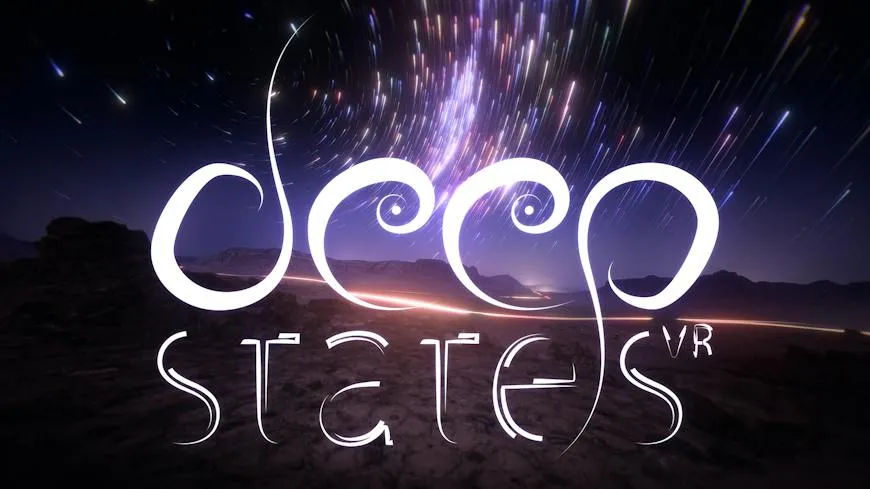
Conversation
Share your experience of it
What it was like, what helped, what you would tell someone before they try it.